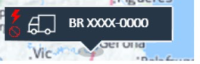
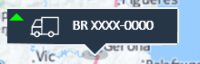
The Vehicle marker shows, for each vehicle on the map, the class icon and the movement direction:
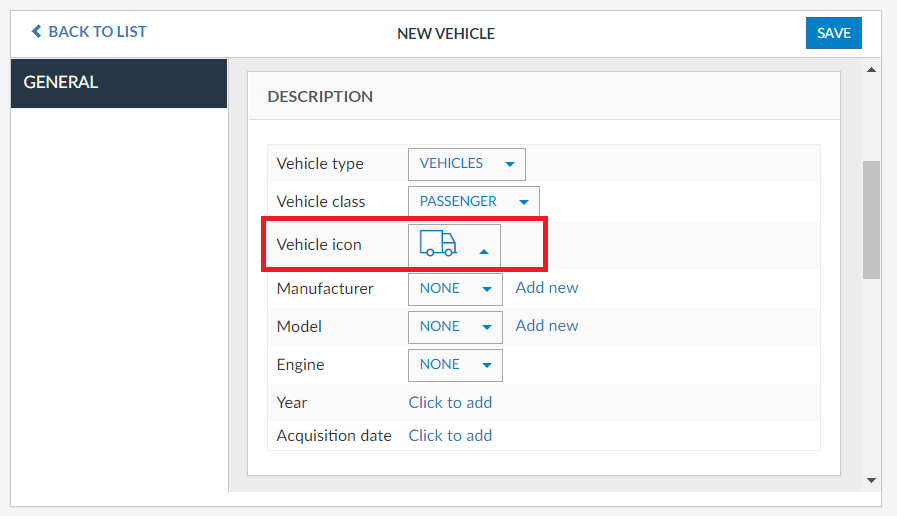
To change the vehicle class icon of each vehicle, you must go to Administration > Vehicles - Details - General and select it under Vehicle icon in the Description section:
The movement direction icons shows, based on the eight main cardinal directions, the direction the vehicle is going to:

In case the vehicle is not in motion, the movement icon is substituted for one of the following:
- Green ball - Vehicle is stopped with ignition on
- Red ball - Vehicle is stopped with ignition off
- Gray ball - No communication between Frotcom and the vehicle for more than two hours:

Lastly, two more icons might appear on the vehicle marker: the Immobilizer icon (blue if the command was sent; red if the vehicle is immobilised) and the Privacy mode icon: