The main menu can be accessed from any section of the app after you log in.
To open it, just click on the icon in the top-left corner of the screen:
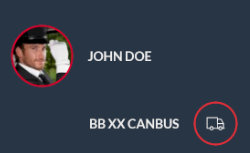
Here you can see your name, as well as the details about your vehicle and any asset associated with it (if any) at the top of the menu:
Also, from here, you can jump to all the main sections of the app - Trips, Create a Place, Driving behavior, Driving times, Privacy mode, Alerts, and Settings:
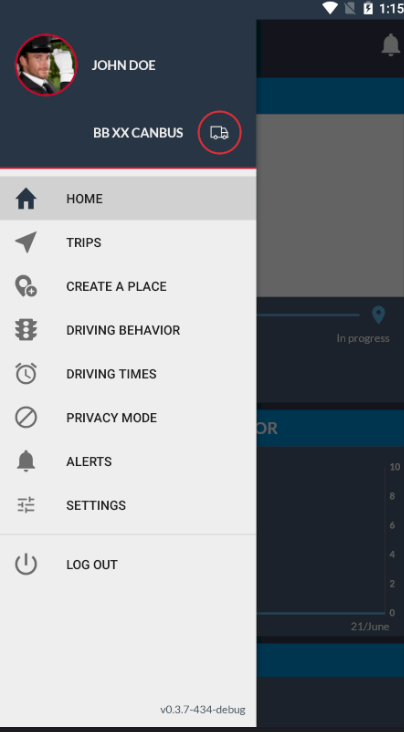
You can also find the Log out button here in the main menu. If you tap on it, you will be logged on and prompted to the Login screen.