The Real-time paths is an option that becomes available for you once you have vehicles in your fleet that are configured with Real-time tracking.
You will be able to follow your vehicle's path with nearly real-time information regarding position, direction, speed, and events directly in the Map view, in Full Path mode:

With a bigger zoom on the map, you will be able to follow in nearly real-time the path the vehicle is executing.
As the position on the map changes faster with this solution, you may use the option to Auto-center:
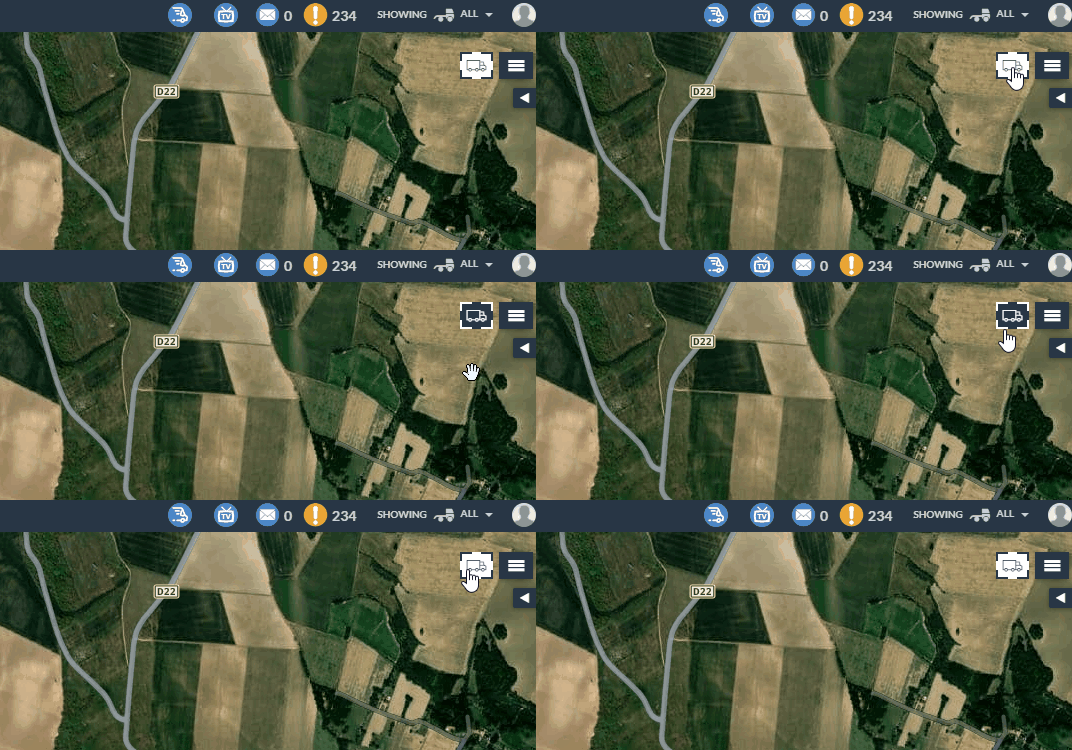
This option is available as a button next to the Hamburger menu of the Map (blue icon is active; white icon is inactive (Default)).
Also, in the Vehicle Infobox, you will be able to see the full time (hours, minutes, and seconds) of the last communication between the vehicle and Frotcom. The direction arrow and the speed also change in near real-time:
