The Settings panel of the Nearest vehicles can be accessed if you click on the respective icon at the top0right corner of the view:

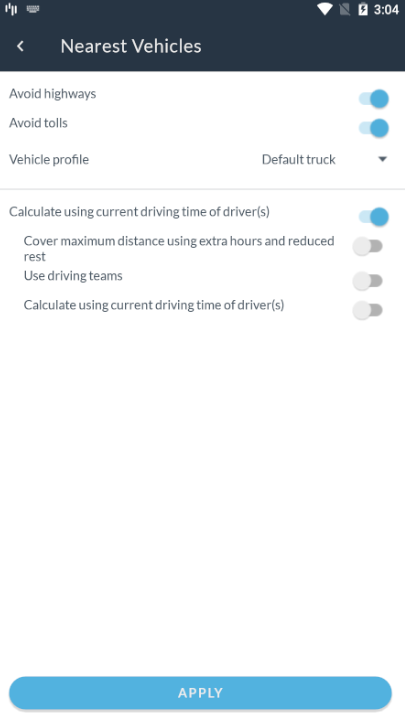
You will see the following panel with the settings to find the Nearest vehicles:
For the details regarding each one of the options in this panel, please have a look at this article.