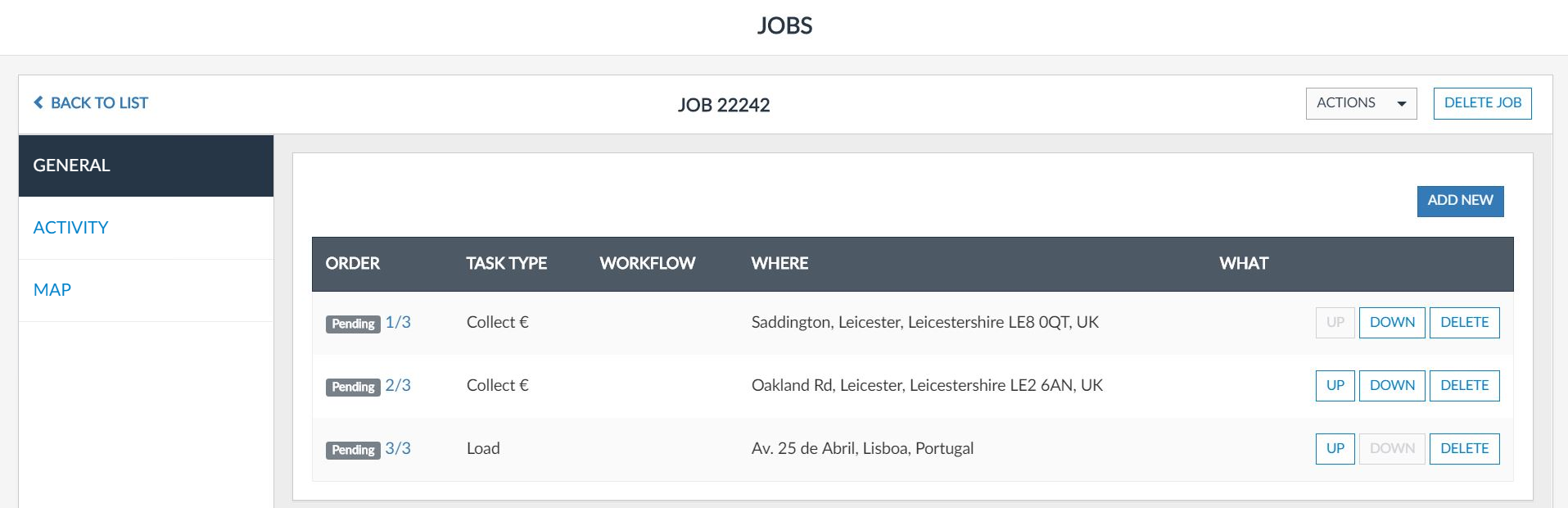
You can only delete Tasks which status is Pending. For that, go to Jobs > Pending panel and enter the job edition mode. The following screen shall be available to you:
To delete a task, click Delete, located on the left part of the concerned row: 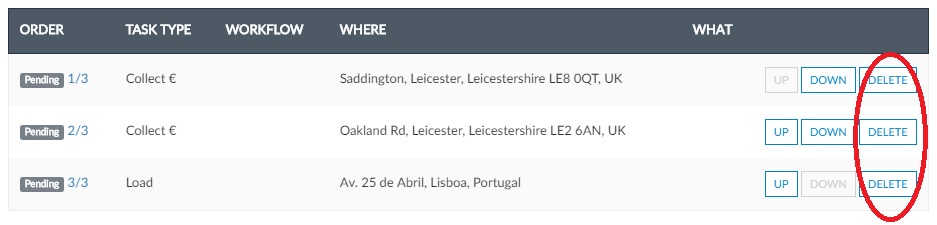
The following confirmation scree will be displayed to you:
