If you want to add or remove tasks from a Job or change the order of the tasks inside a Job, then you need to edit the Job.
You can only edit Jobs that are Pending, i.e. Jobs in which all tasks are pending.
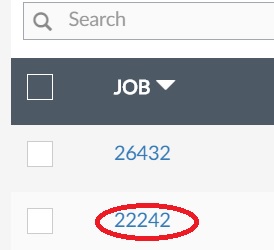
Go to Jobs > Pending panel, and click on the identification number under the Job column:
The following panel will be available to you:
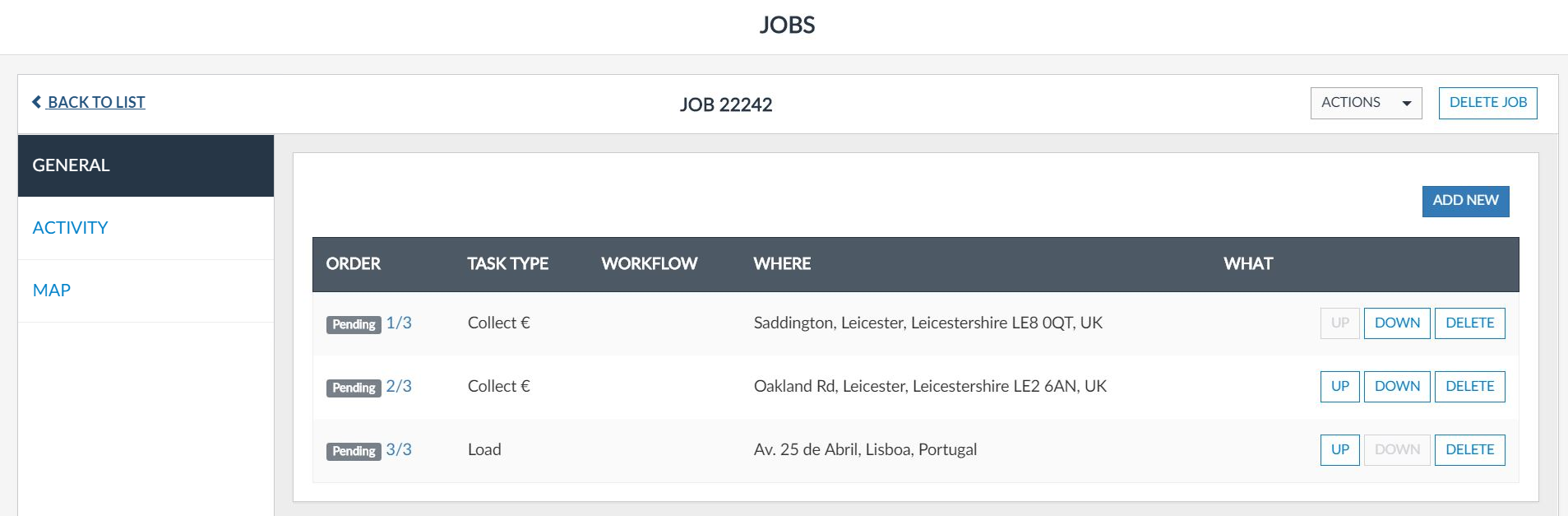
At the top of the panel, you will have the identification number of the Job. In this example Job 22242.
After, you have two folders:
| Folder | Description |
| General | Panel that allows you to add new tasks to the job, delete already created tasks, check and change the tasks' order and enter in the task edition mode. |
| Activity | Panel that allows you have a global view of the status of each task of the job. |
| Map | Panel that allows you to visualize on the map the places that shall be visited to execute the job. |