When Frotcom receives the regular GPS report from the vehicle, it also gets a trail of positions, corresponding to the path executed during the last minute.
You can set up Frotcom so that the trails are shown in both fleet and path mode views. Please refer to this article to configure the Map settings.
However, if you do not set up the trails using the method above, you can still visualize up to 10 Vehicle trails with the last 24 hours paths simultaneously on the map.
To do so, you must open the Context menu of any vehicle and select the option Temporary 24h trail to highlight, with a specific color you may choose, where the vehicle has been through:
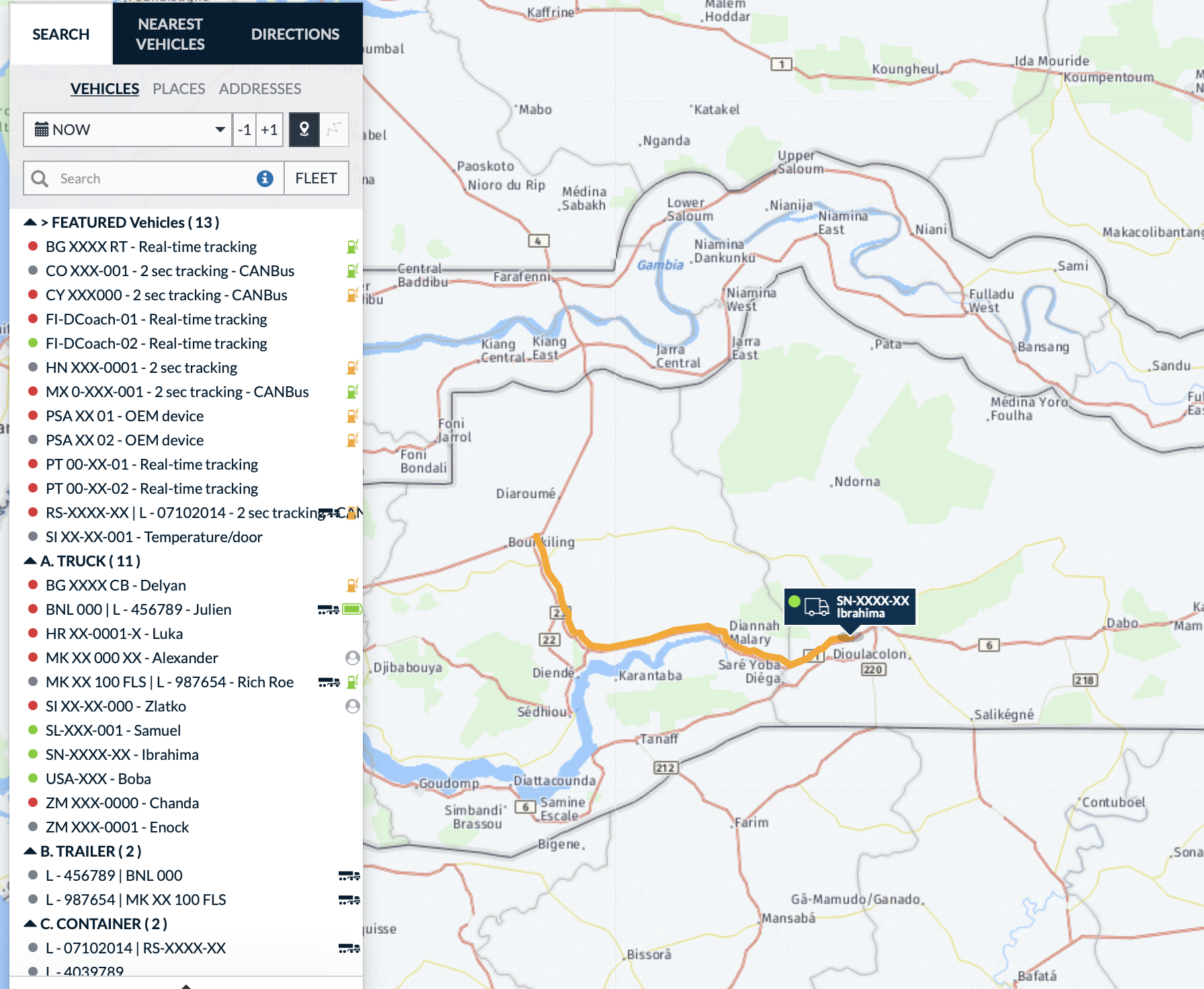
This feature is only available when the configuration of Show trails from, in the Map settings > General, is NONE, and it lasts until you deactivate the option or logout.