Whenever Frotcom releases an app update, you will be notified if the version is recommended or mandatory for the best experience with the Driver app.
Recommended updates are used for minor fixes and to solve small bugs. When a recommended update is ready to be downloaded, you will see the following popup:
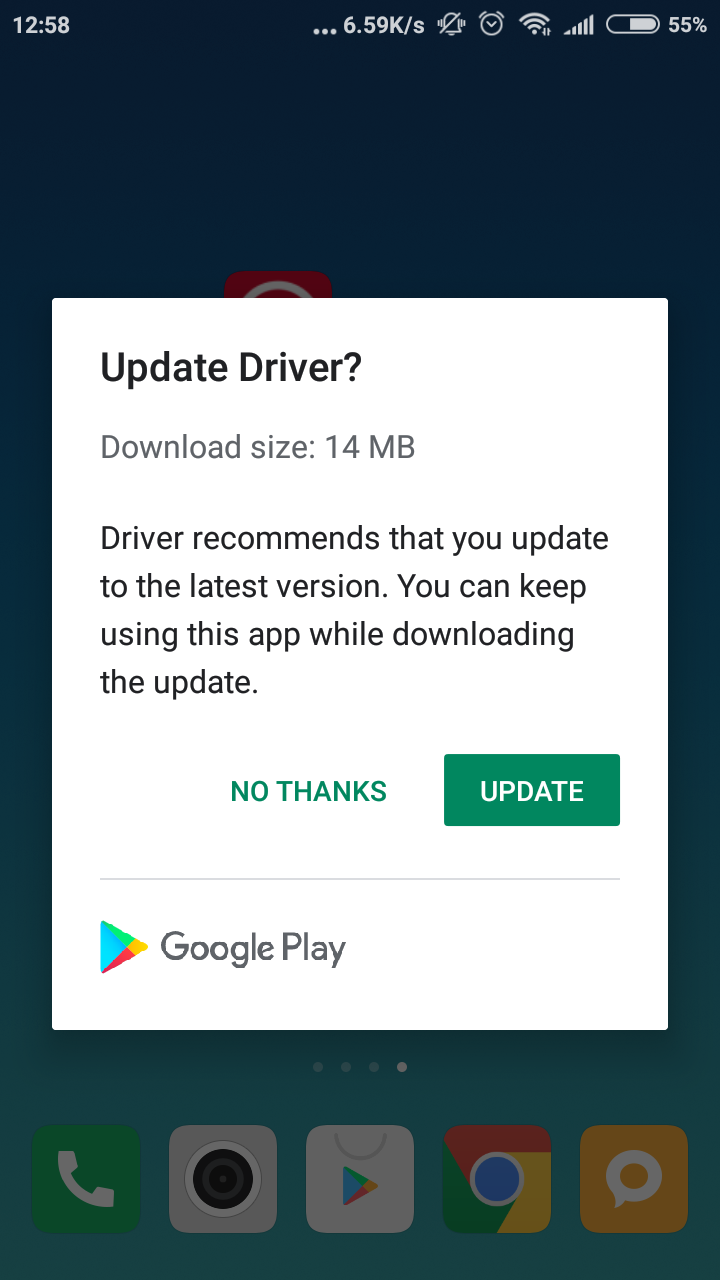
Clicking on Update will take you to your app store to update the app's version. You may click on No thanks to ignore this warning and keep using the app as it is.
Now, if a critical update is release (i.e., an update which is mandatory for the app to keep running properly), you will see the following popup:
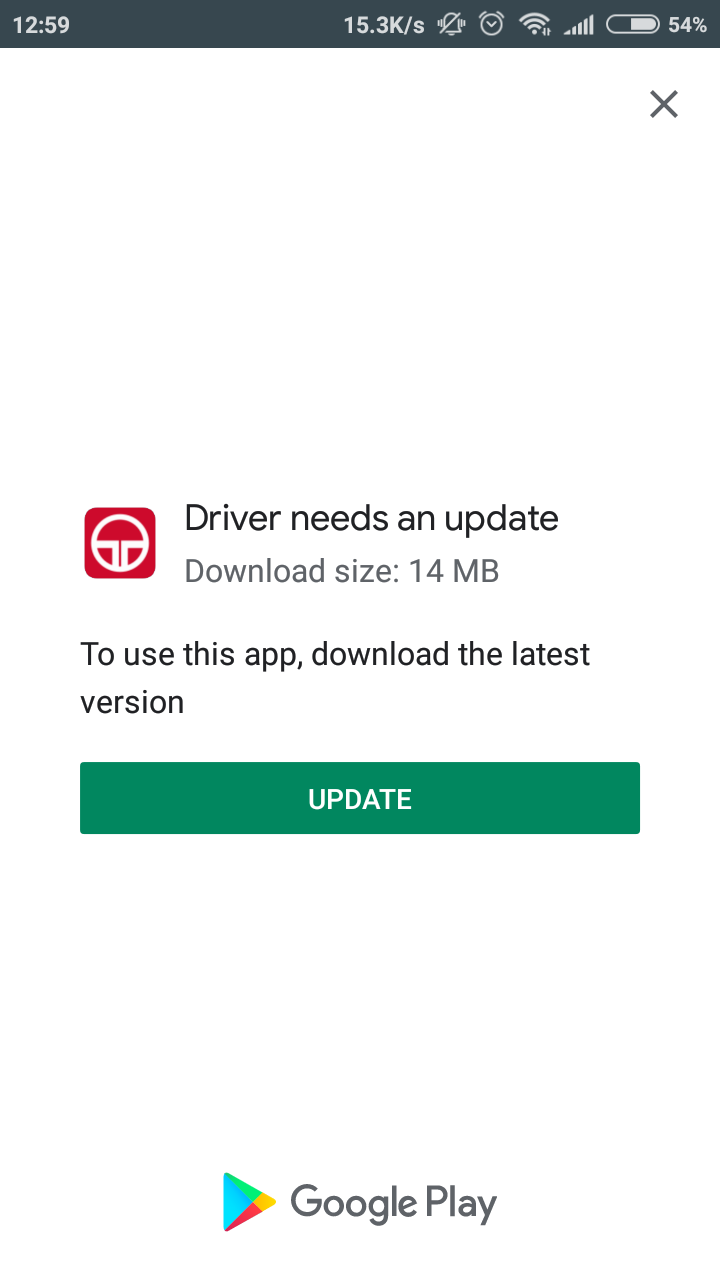 .
.
Clicking on Update will take you to your app store to download the latest version of the app.