By default, the Nearest vehicles view will show the vehicles next to your current location, but if you want to find the nearest vehicles to another place, you must select the Pin icon at the top of the view:
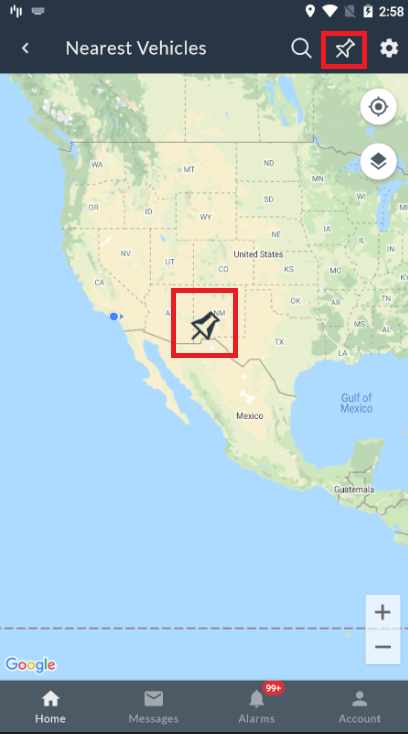
A pin marker will be put at the center of the map.
To change its location, drag and drop the map until the pin is on the desired address, and the calculation to find the nearest vehicle will be done again.