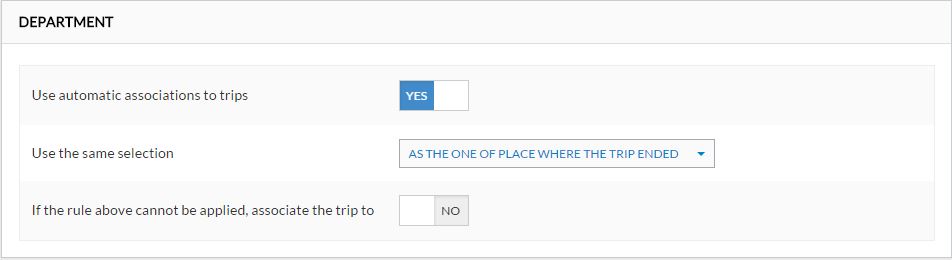
In this panel you can specify if and how Frotcom can automatically associate trips to Departments and Segments of your organization levels:
| Setting | Description |
| Use automatic associations to trips | Choose Yes if you want Frotcom to automatically associate trips to the organization. Choose No otherwise. |
| Use the same selection | In case you chose Yes above, now indicate how Frotcom should make that association: the department and segment of the :
|
| If the rule above cannot be applied (...) | Choose No if you do not want a backup association plan, or choose Yes and then indicate the organization instance (for instance the department) that should be used as backup. |
In other words, only one rule of association can be chosen. If the conditions for that rule do not apply, then it will be possible to select the default department. If no default department is chosen, then the trip is left with an empty Department field.
The exactly same options are available for the second organization level (segment).