This option is only available for forms which have aggregated a defined template. In case you need additional clarification, please contact your Frotcom Certified Partner.
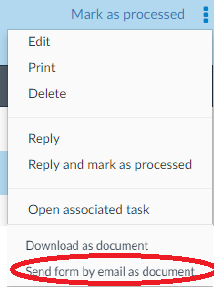
To download a Form as a document, enter Form details panel. On the hamburger menu, select Send form by email as document:
After, the Send Form by email panel will be displayed to you.
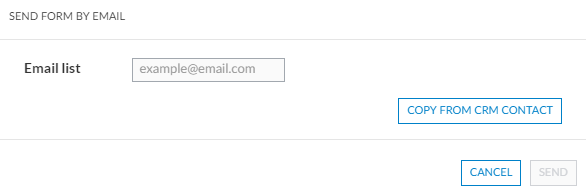
After you enter the email contacts that shall receive a document version of the Form, click Send.
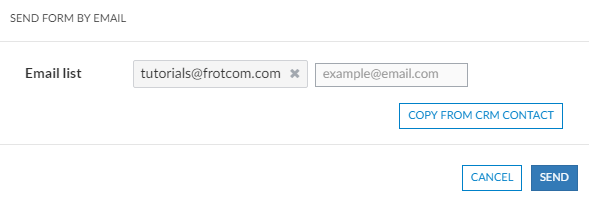
The following confirmation message will popup:

After a moment, the email address you specified will receive an email with the form in Word format attached:
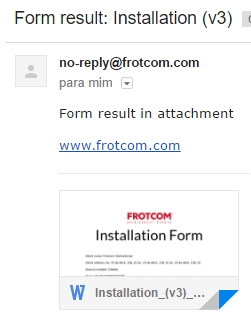
The attachment is similar to the Download as document output.