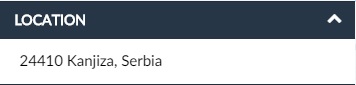
The Vehicle infobox is divided into panels. Each panel is a particular arrangement of information grouped together. There are 9 different panels. One of them is the Location.
Here, you can see the street view showing the last received location of the vehicle and the address, which you can copy to your clipboard.
The locational panel has the following display:
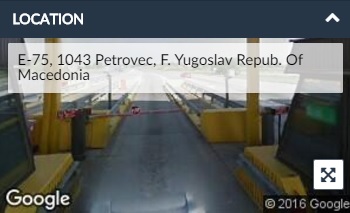
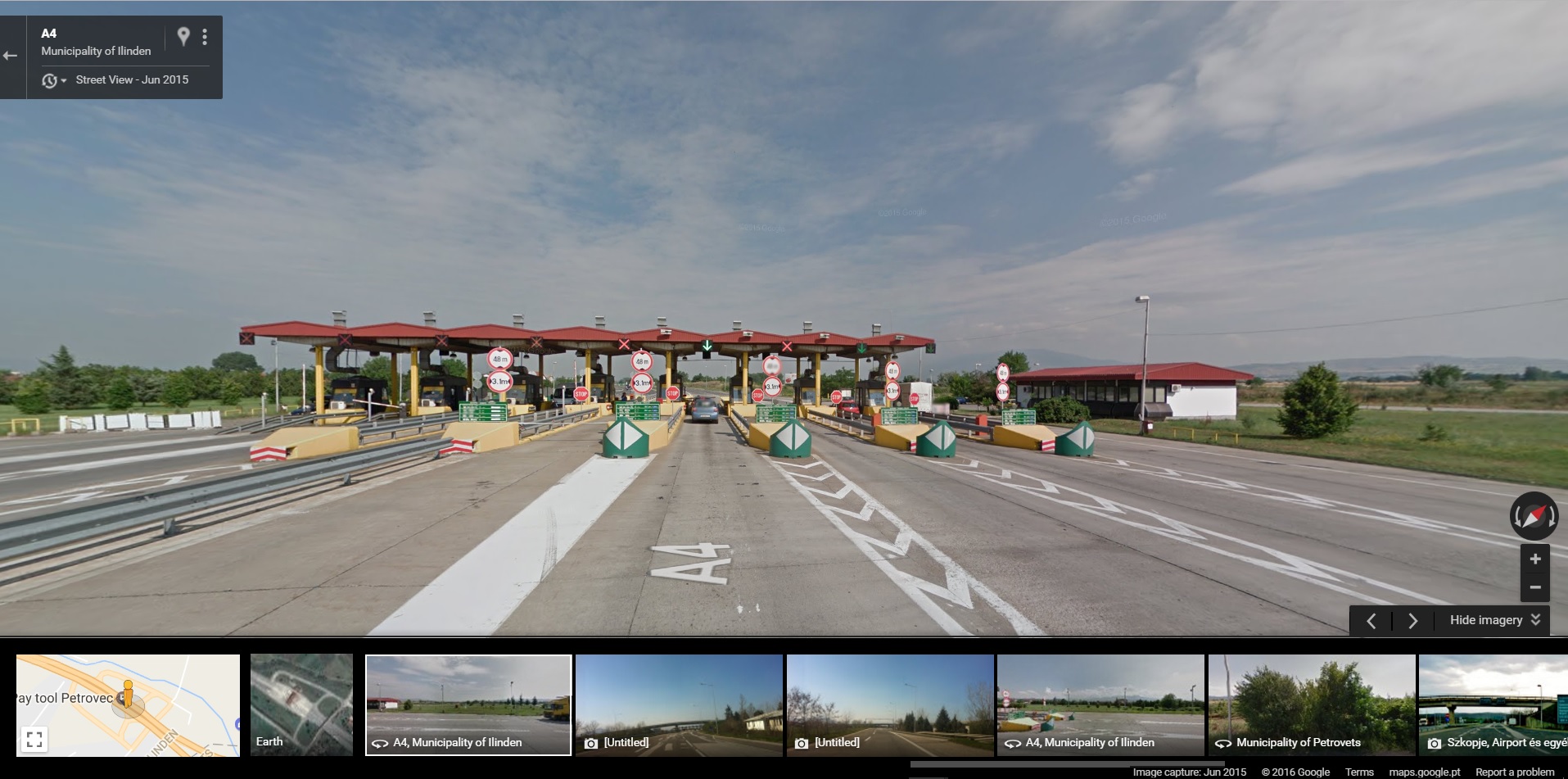
You can navigate to the street view by clicking the  icon. After that, a new tab opens on your browser with the street view on that location:
If there is no available street view image for the location, only the address will be displayed: